Ovation Pro, the trial and restoring a purchase
What Ovation Pro adds, how to subscribe or start a free trial if one is offered to you, and how to restore a purchase on a new phone.
- About 2 minutes
Before you start
The prices, and any free trial, are shown on the Ovation Pro screen and come from the App Store. You pay through your Apple Account.
-
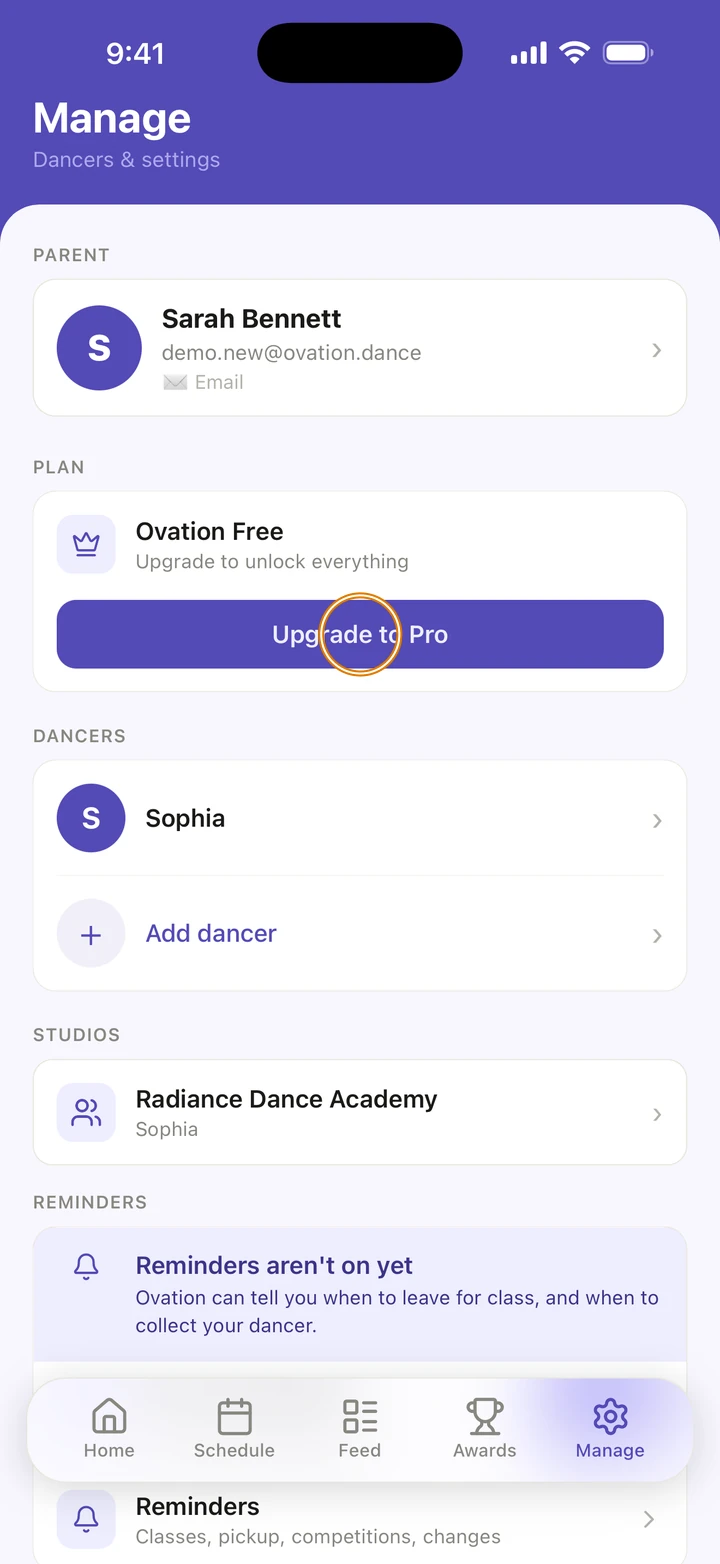
Go to Manage and tap Upgrade to Pro.
-
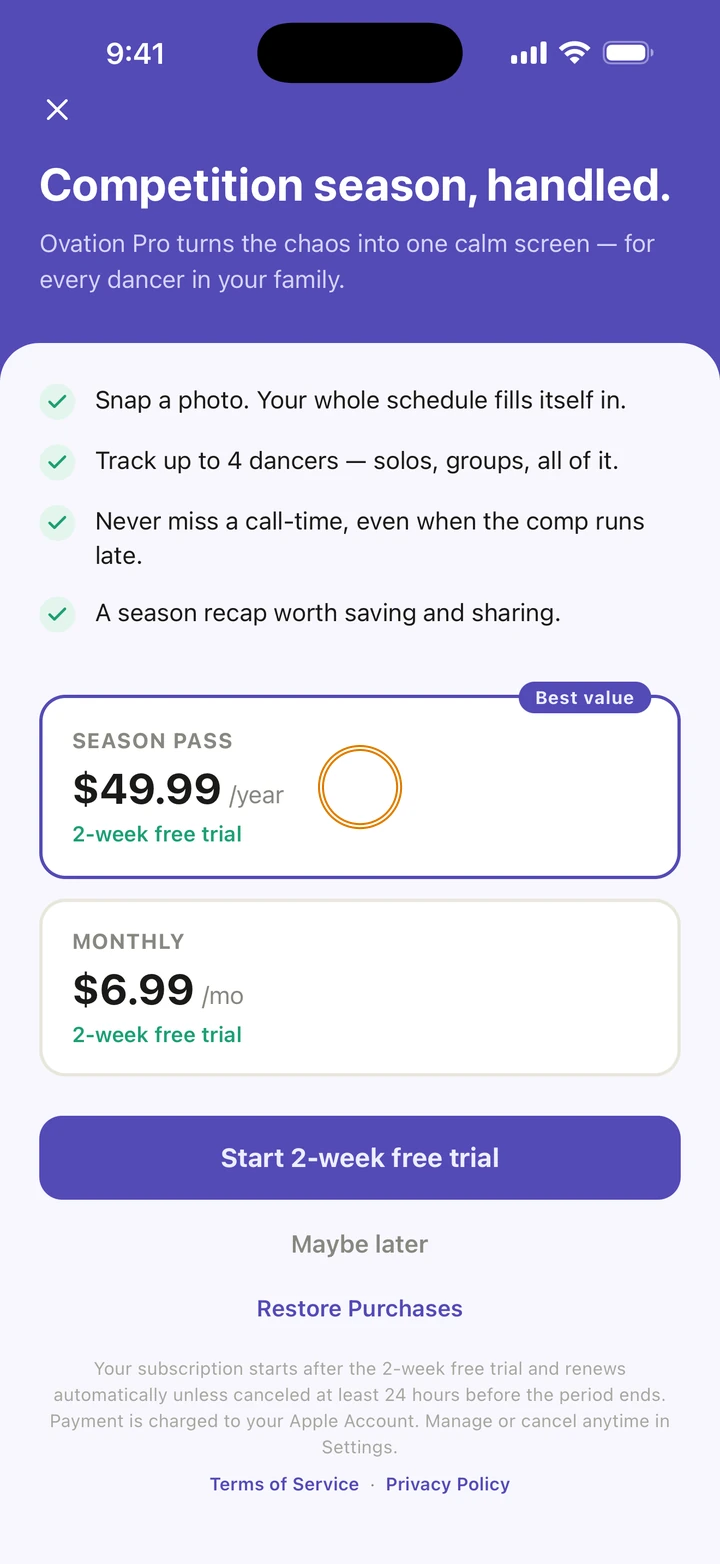
Choose SEASON PASS, paid once a year, or MONTHLY.
-
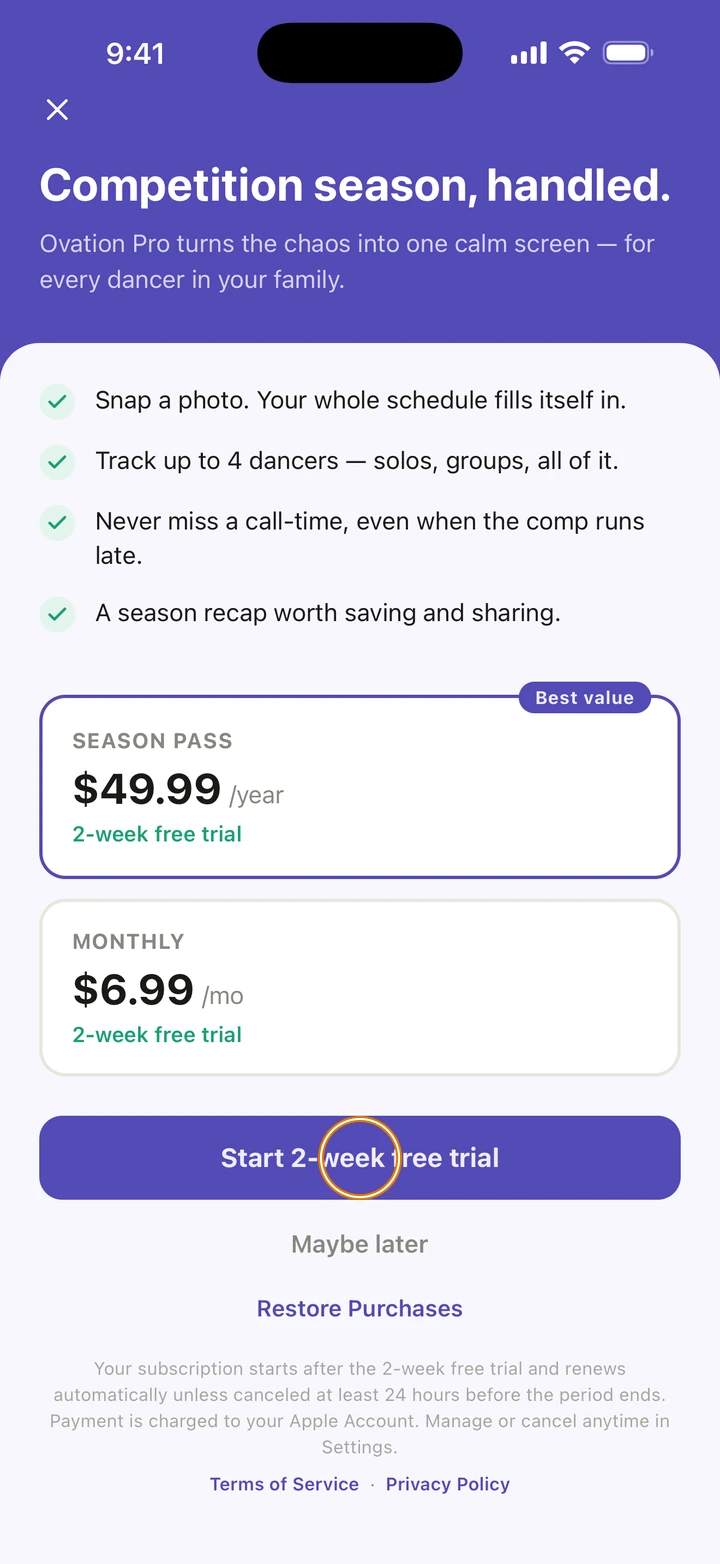
Tap the button at the bottom. It says Subscribe; if your Apple Account can have a free trial, it says Start, the trial's length and free trial instead.
-
Confirm with Apple. Your Ovation Pro starts straight away.
Good to know
- Ovation Pro holds up to four dancers, AI imports with no limit, photos with no season limit, and video. The free plan has one dancer, your first two AI imports, and 50 photos a season.
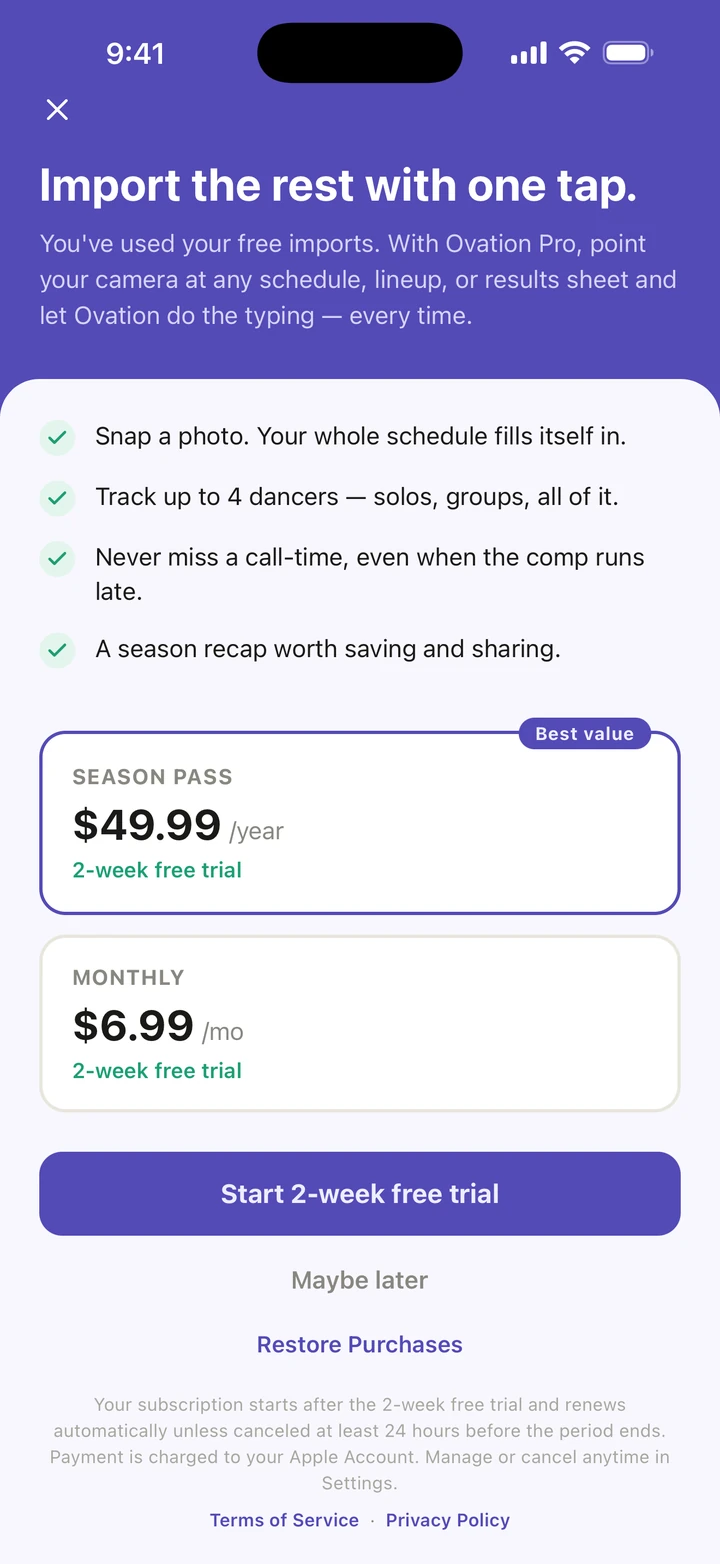
- Ovation also opens this screen when you reach a free plan limit, for example You've used your free imports.
- The free trial is offered only when Apple says your Apple Account can have one. When it is, the button and the plan say how long it is.
- A subscription renews automatically unless you cancel at least 24 hours before the period ends. To change plan or cancel, tap Manage subscription in Manage, or use your iPhone's Settings.
- New phone, or Ovation Pro not showing? On the Ovation Pro screen, tap Restore Purchases. Use the same Apple Account you subscribed with.
If something goes wrong
- If Restore Purchases says Nothing to restore, check you are signed in to the App Store with the Apple Account you subscribed with. If it says your purchase is syncing, wait a moment and try again.
- If Ovation says Purchase successful but Pro hasn't unlocked yet, tap Check again.
- For anything else, go to Manage → Get help and choose My plan. A real person reads every message.
Related
Checked on Ovation 1.1.5