Home, Schedule, Feed, Awards and Manage
What each of Ovation's five tabs is for, so you know where to look.
- About 2 minutes
-
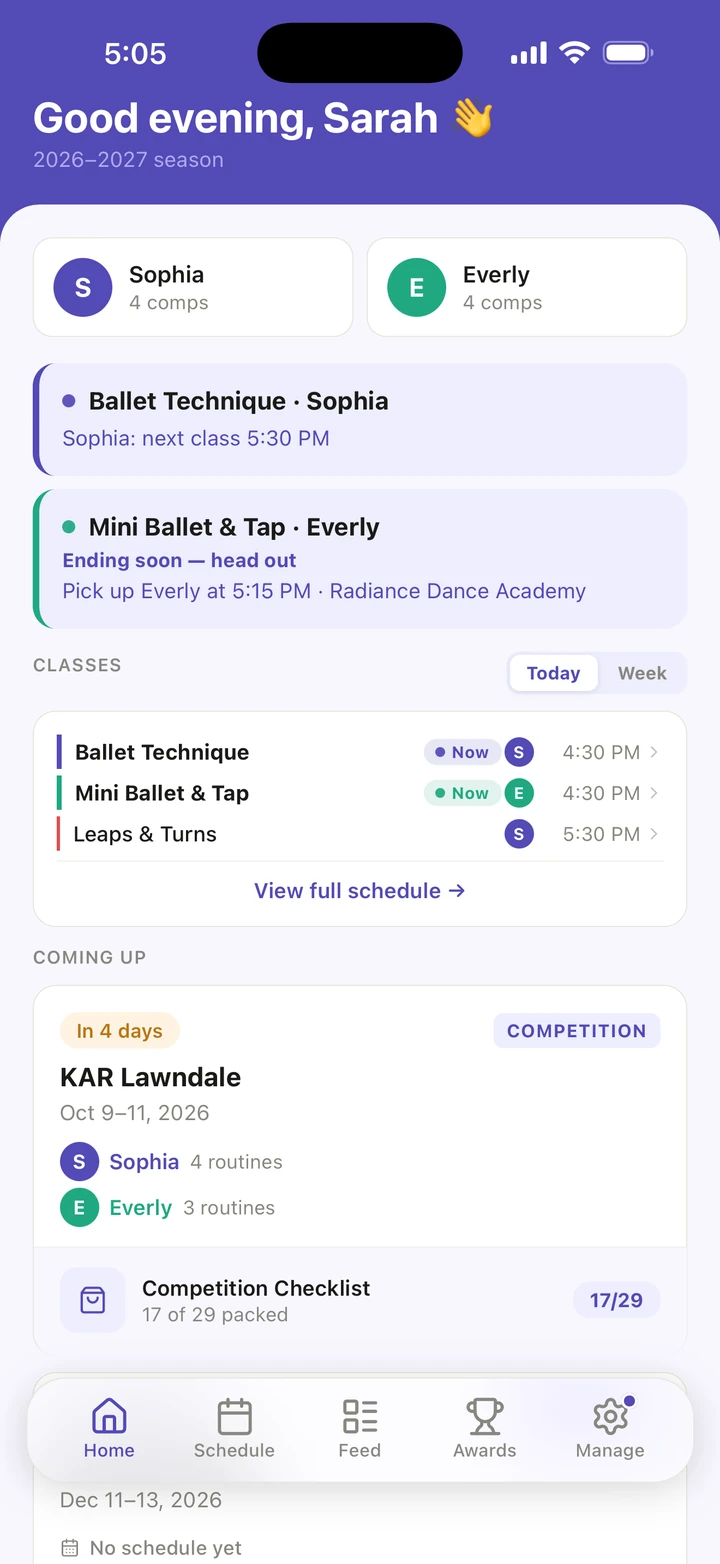
Home is today. It shows your dancers, their CLASSES for Today or the Week, and what is COMING UP: the next competitions and conventions. Tap a dancer's name to open their profile.
-
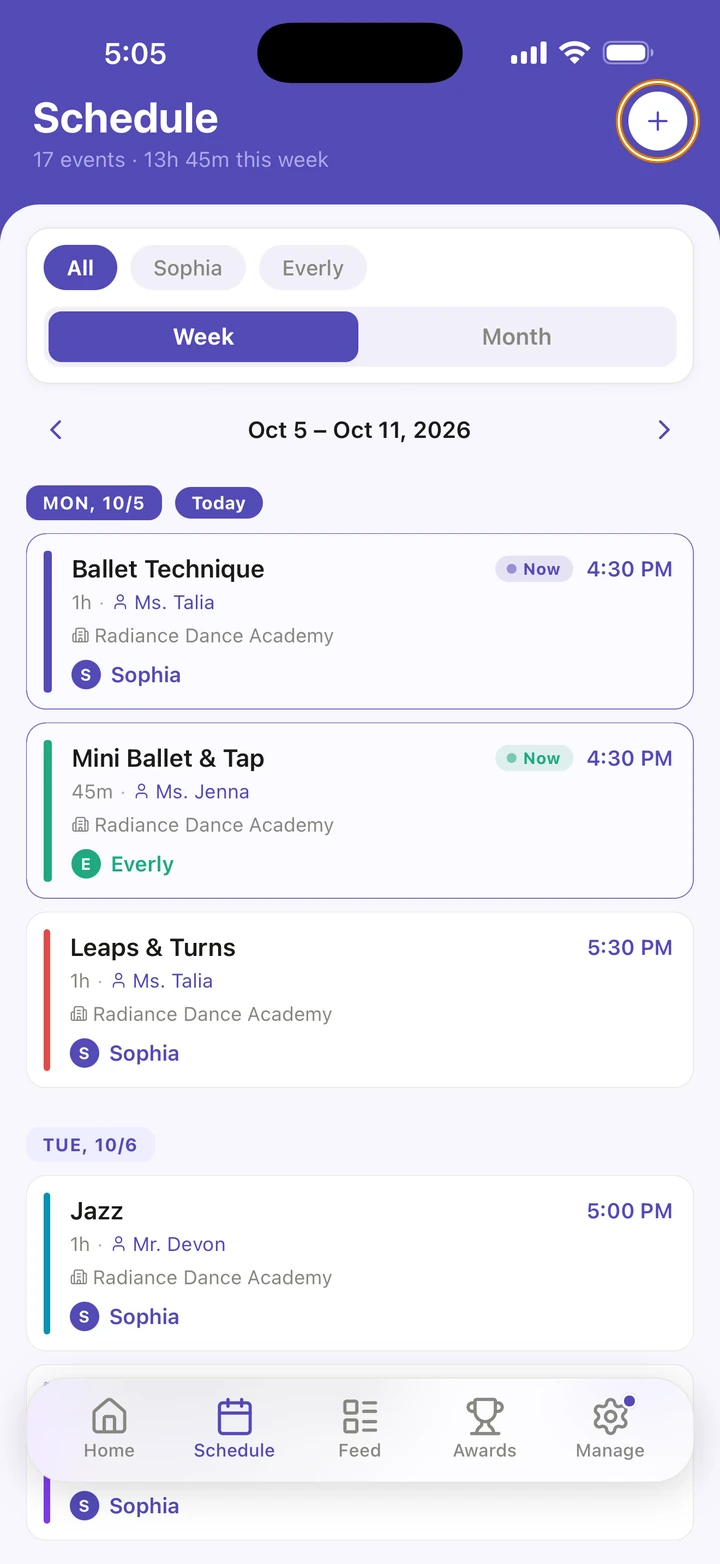
Schedule is the whole season: every class, event and competition, by Week or Month. Tap + to add a class schedule, a studio calendar, or a competition or convention.
-
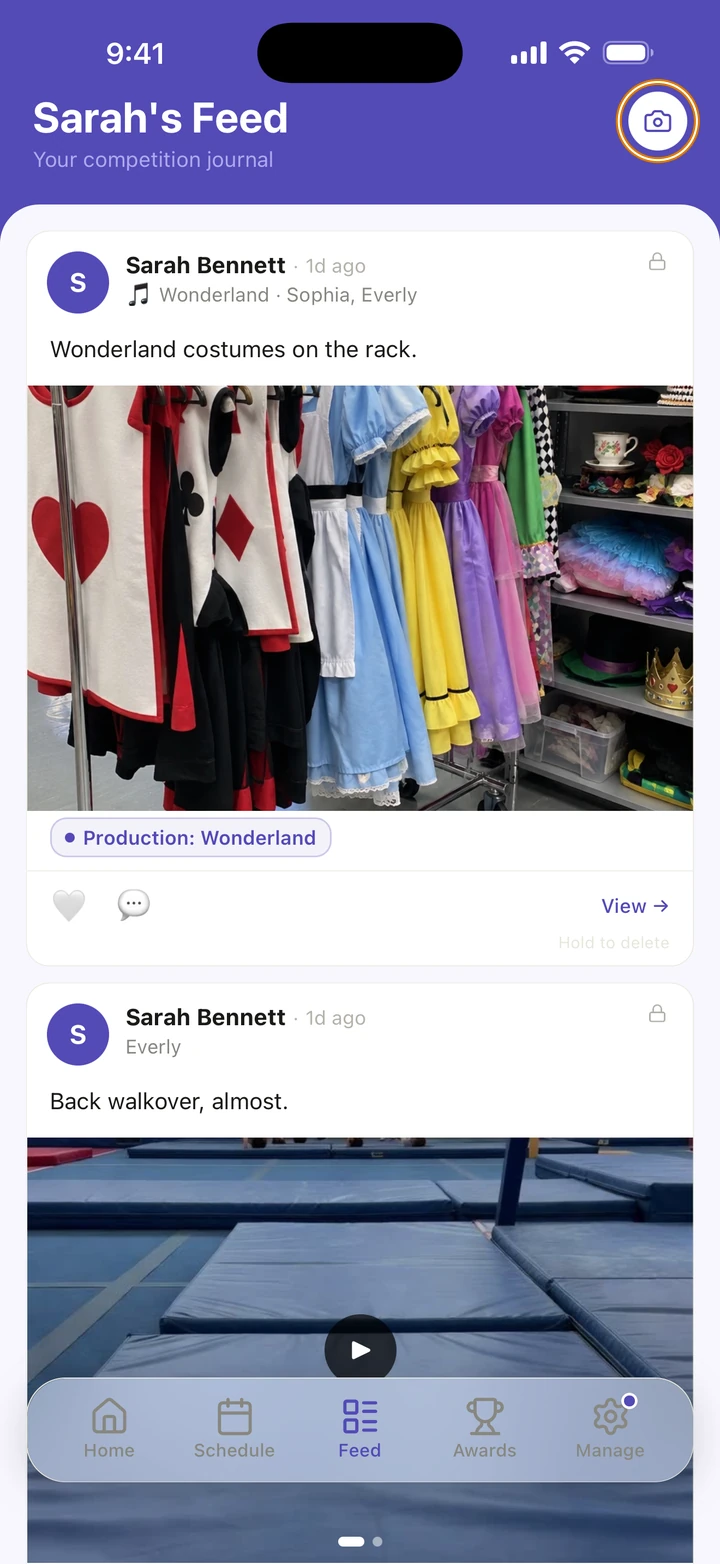
Feed is your journal: the photos and videos you save as memories. Tap the camera at the top to add one.
-
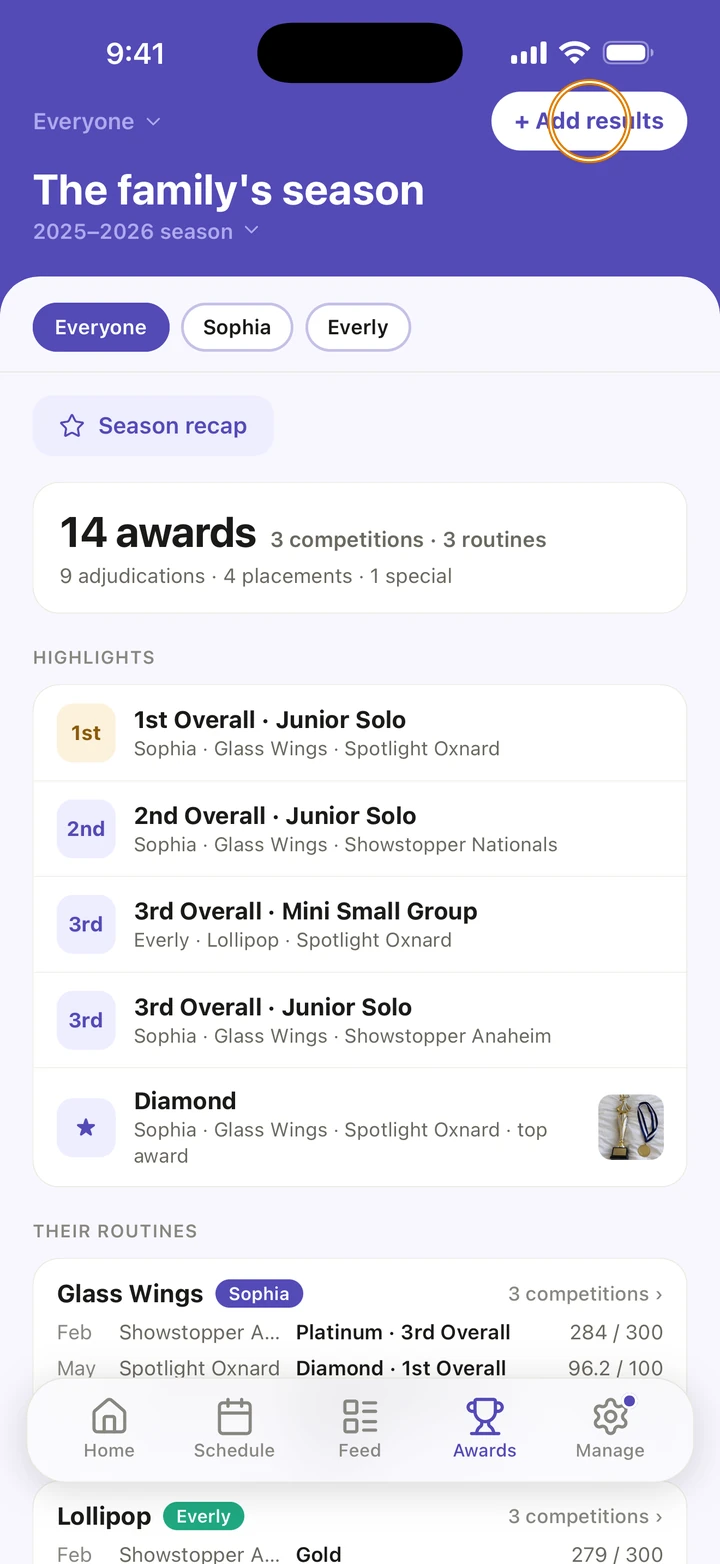
Awards collects your dancers' results: highlights, each routine's season and every competition. Tap + Add results after a competition, and Season recap to see the season on one card.
-
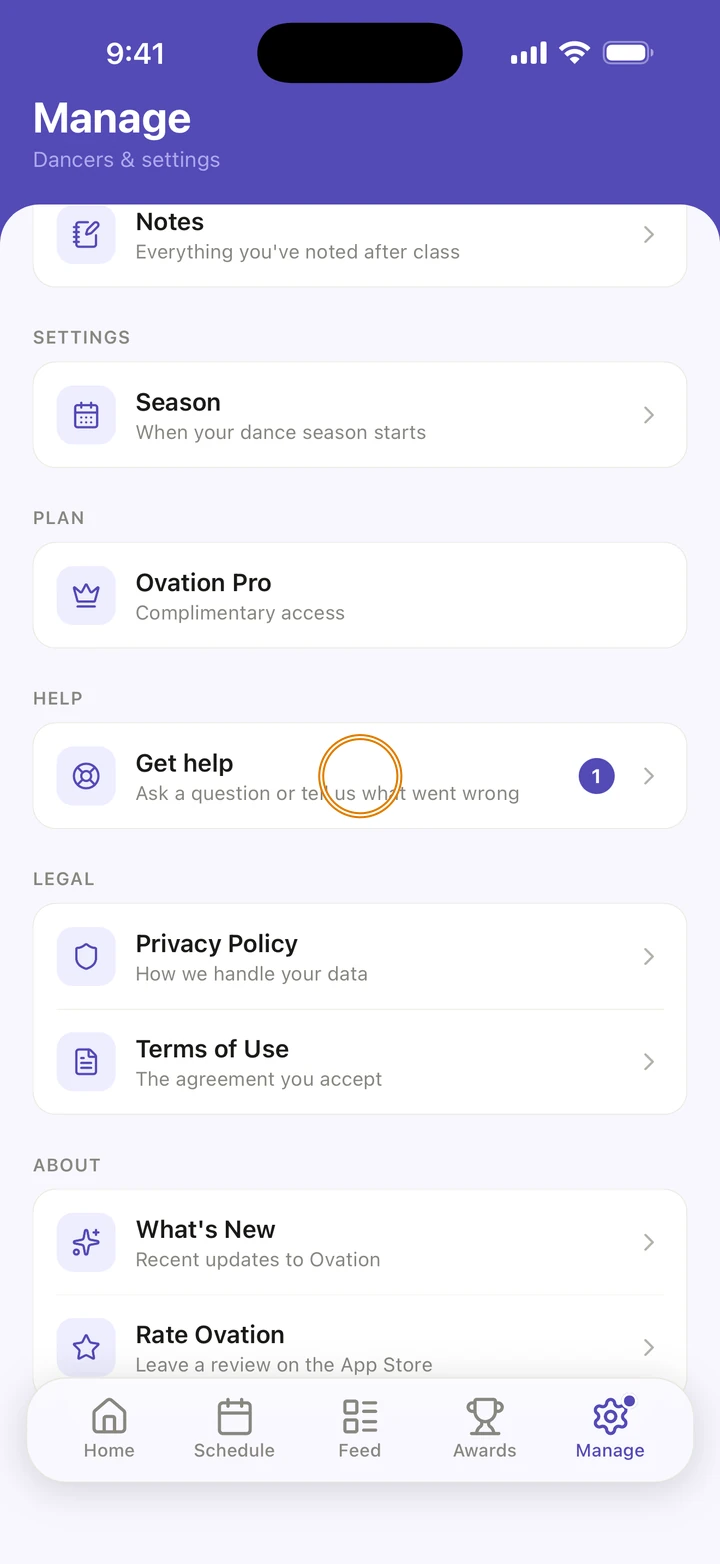
Manage is where your dancers, studios, reminders and settings live. It also lists your Classes, Competitions, Events, Unavailable dates and Notes, and has Get help.
Good to know
- With more than one dancer, the Schedule and Awards tabs can show everyone or one dancer at a time. Tap a name at the top.
- A dot on Manage means we have replied to one of your messages.
- Each dancer's page, opened from Home or from Manage → DANCERS, has their Routines & Looks, Journey and Awards.
If something goes wrong
- Pull down on Home to refresh it. If it says Something went wrong, tap Try again.
- For anything else, go to Manage → Get help. A real person reads every message.
Related
Checked on Ovation 1.1.5